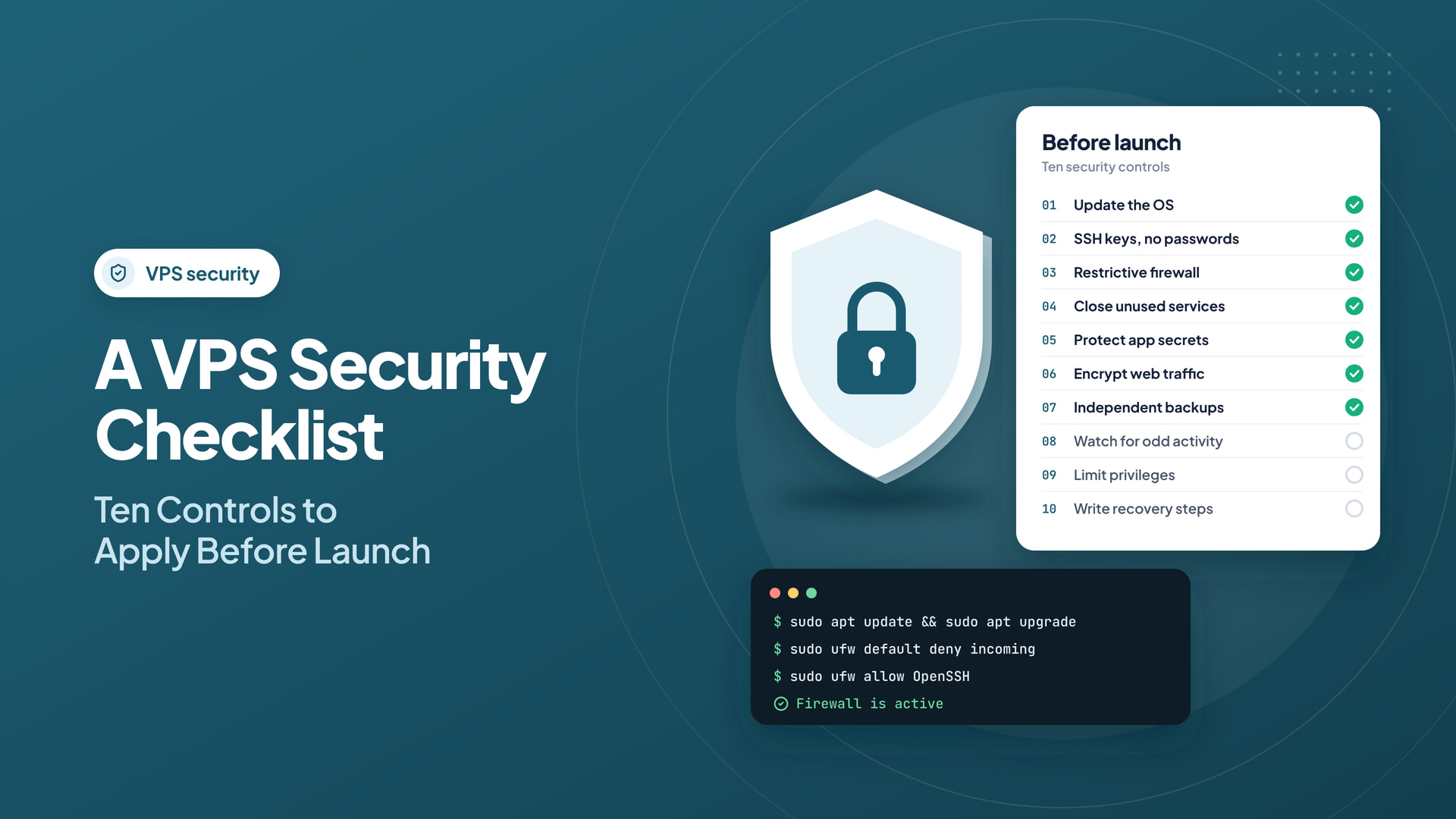
A VPS gives administrators useful flexibility, but additional control introduces additional responsibility. Before placing a production application on a new server, establish a small set of security practices that can be verified and maintained.
Quick answer: Protect a VPS with strong administrator authentication, minimal exposed services, prompt patching, independent restore-tested backups, and meaningful monitoring. Make security changes carefully to avoid accidental lockout.
1. Update the operating system
Install current security updates from trusted repositories and confirm the installed distribution is still supported. Establish a repeatable patch schedule rather than relying on a one-time setup.
2. Use SSH keys and protect administrator access
Create a separate administrative user where appropriate, use key-based authentication, and limit direct privileged login. Test a second working SSH session before disabling an existing access method so that you do not lock yourself out.
3. Apply a restrictive firewall
Allow only services that must be reached from the internet. A typical web server needs HTTP and HTTPS access, while SSH should ideally be limited to trusted addresses or an approved access method. Apply firewall changes carefully with a recovery path.
4. Remove unnecessary listening services
Inspect open ports and disable software that is not required. Each additional management interface or service creates another system that needs patching and access control.
5. Secure application secrets
Keep passwords, API keys, and database credentials out of source repositories and public web directories. Use environment management or an appropriate secrets service, and rotate credentials when exposure is suspected.
6. Encrypt web traffic
Install valid TLS certificates, configure renewals, and test that HTTPS functions properly. Do not assume a certificate covers every subdomain or that renewal is guaranteed without monitoring.
7. Maintain independent backups
Back up both important data and configuration. Separate backup access from the production server where practical, and periodically restore a test copy.
8. Monitor unusual behavior
Watch authentication failures, process activity, disk pressure, and unexpected network traffic. Alerts should identify conditions that require action rather than generate constant noise.
9. Limit privileges
Use only the permissions each application needs. Separate deployment users, administrators, and database roles. Avoid running web applications with unnecessary root access.
Establish a threat model for a small hosting server
Security controls work best when they protect a specific system. List what the VPS exposes: SSH, web ports, database listeners, control panels, management APIs, and third-party integrations. Identify who can access each surface and why. A public database port open to the entire internet usually deserves immediate review, while a web server intentionally needs inbound HTTPS. Apply least privilege to people and network paths alike.
Use an inventory that names the server owner, administrators, operating system version, applications, credentials manager, and recovery procedure. If a former employee still has an SSH key, a patching schedule cannot compensate for that access problem. Remove unused accounts and rotate secrets when responsibilities change.
Apply security changes without locking yourself out
Before editing SSH configuration or firewall rules, keep an existing authenticated session open and verify that a second session can connect. Add your permitted management source and the current SSH port before enabling a default-deny firewall. Apply changes gradually and validate the actual service availability after each step. A remote VPS with incorrect firewall or SSH settings can require provider-console recovery.
Avoid copying hardening commands blindly. Paths and firewall tools differ between AlmaLinux, Ubuntu, and managed control panel environments. A firewall rule that is safe for a plain Nginx server may block panel services, DNS, or monitoring on a cPanel host. Document the environment before altering it.
Backups must survive a server compromise
An attacker who obtains root access may be able to delete local backup files. Store versioned backups outside the VPS and restrict deletion permissions. Periodically restore a backup to an isolated test instance; verify the application starts, credentials work, and necessary records are intact. For sensitive data, consider encryption, retention requirements, and who can access the restore keys.
A backup is distinct from a snapshot. A snapshot may be useful for rapid rollback but should not be your only disaster-recovery copy. Also plan how to revoke exposed secrets and rotate API keys after restoring a compromised system.
Monitor indicators that point to action
Enable central or off-host log collection where practical. Track repeated authentication failures, unexpected privilege changes, new listeners, abnormal outgoing traffic, filesystem changes in critical paths, and application error spikes. Alerts should have defined recipients and response steps; otherwise they become background noise. Tune thresholds based on normal traffic and regularly review false positives.
Patch cadence should reflect exposure and severity. Internet-facing vulnerabilities can demand prompt action, while ordinary updates can follow a maintenance window with backups and smoke tests. Track the version and source of each installed component so that fixes are not missed.
A brief incident-response exercise
Suppose monitoring reports an unfamiliar administrator login. First contain access without deleting evidence: restrict exposed credentials and preserve relevant logs. Determine what changed and whether secrets or customer data could be affected. Rotate credentials, rebuild from known-good images where necessary, and restore verified data. After recovery, document the root cause and the controls that would prevent recurrence.
Security review for launch approval
- Management access is limited and uses strong authentication.
- Only required ports are reachable from the internet.
- Applications, packages, and panel components are supported and patched.
- Secrets are outside public web directories and source repositories.
- Backups are independent, access-controlled, and restore-tested.
- Monitoring alerts have named owners and response instructions.
- Changes have a documented rollback procedure.
10. Document recovery steps
Record who can access the VPS, how to rotate secrets, where backups live, and how to rebuild a clean system. Incident response is easier when these details exist before an outage.
When comparing infrastructure, Intelwebhost’s VPS service details show the type of root-access hosting available for self-managed applications. Confirm security and management responsibilities with any provider before deployment.
A secure VPS is not one that has never been attacked. It is one whose exposure is minimized, updates are maintained, activity is visible, and recovery has been tested.
Frequently asked questions
Is changing the SSH port enough to secure a VPS?
No. It may reduce noise but does not replace SSH keys, restricted access, timely patching, and monitoring.
Should I disable the firewall during troubleshooting?
Prefer narrowly scoped temporary rules and verify the needed ports. Disabling a firewall can expose unrelated services.
Is a provider snapshot a complete backup strategy?
Usually not by itself. Maintain independent versioned backups and test restores to protect against deletion, corruption, and compromise.