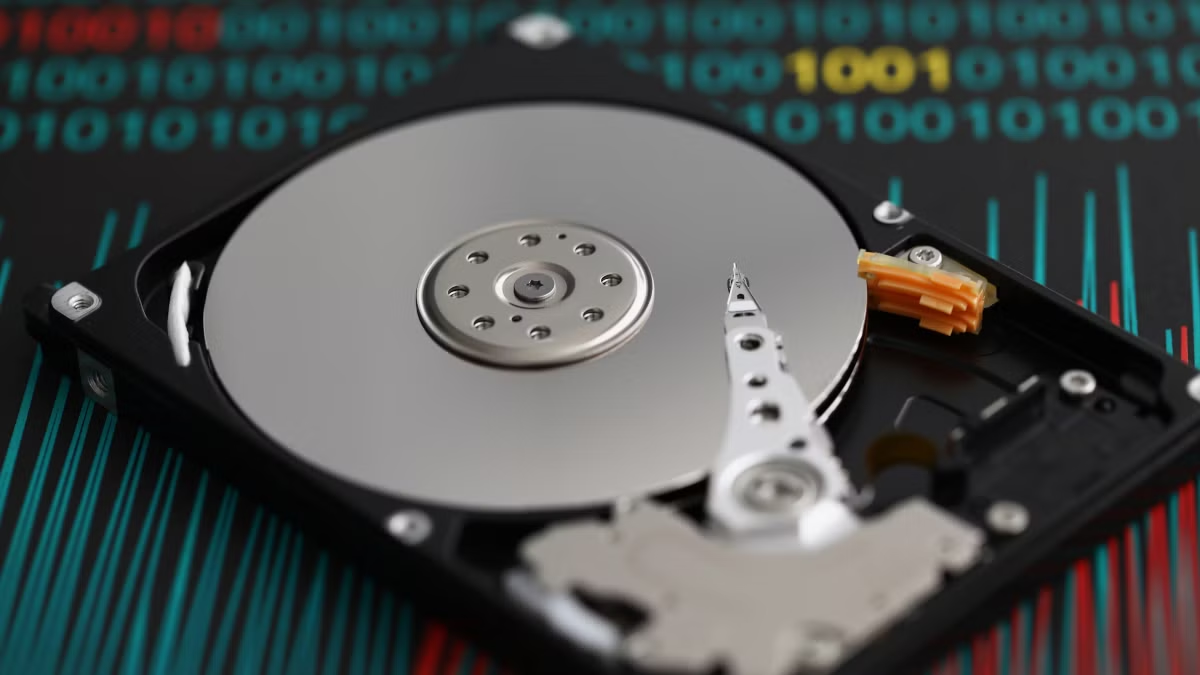
If your mechanical hard drive (HDD) stops working—clicking, not spinning, or not showing up—your first instinct might be to open it. YouTube is full of videos showing people prying open hard drives with screwdrivers. It looks simple. It feels like you’re taking control.
Don’t do it.
Opening a mechanical hard drive outside a professional cleanroom is one of the most common—and most destructive—mistakes people make. In many cases, it permanently destroys the chance of recovering your data.
Why Opening an HDD Is So Dangerous
Inside every mechanical hard drive, the read/write heads float just a few nanometers above the spinning platters (typically 3–10 nanometers). That’s smaller than a single smoke particle or a fingerprint ridge.
A normal room contains hundreds of thousands of dust particles per cubic foot. Even one particle landing on a platter can cause a head crash the moment the drive is powered on again. The heads then scrape the magnetic surface, gouging concentric scratches that permanently destroy the data stored there.
Professional data recovery labs open drives only in ISO Class 5 (Class 100) cleanrooms or under laminar flow benches with HEPA/ULPA filtration. These environments keep particle counts extremely low so technicians can safely replace heads, motors, or other components.
When you open the drive on your desk, kitchen table, or workshop:
Dust, skin cells, fibers, and moisture immediately contaminate the platters.
Fingerprints or accidental touches can leave residue.
Powering the drive on afterward often turns a recoverable failure into irreversible media damage.
Many recovery labs report that previously opened drives require extra decontamination work, multiple head swaps, higher costs, and significantly lower success rates. In severe cases, the magnetic layer is scraped away and the data is gone forever.
What You Should Do Instead
Stop using the drive immediately. Power it off and disconnect it. Continuing to run a failing drive only makes mechanical damage worse.
Do not run recovery software if the drive is clicking, grinding, or not spinning. Software cannot fix physical failures and can accelerate platter damage.
Do not try DIY “fixes” like the freezer trick, tapping the drive, or swapping circuit boards without proper tools and knowledge. These almost always make recovery harder.
Take it to a professional data recovery lab that has a real cleanroom (or equivalent clean-bench setup) and donor parts library. Tell them honestly if the drive has already been opened—they can still assess it, but the odds and cost will be different.
The Bottom Line
YouTube makes hard drive recovery look easy. In reality, the sealed environment inside an HDD is one of the most precisely engineered spaces in consumer electronics. Breaking that seal without proper controls is like performing surgery in a dusty garage.
If the data matters, leave the screws alone. The single best thing you can do to protect your chance of recovery is to keep the drive closed and hand it to specialists who work in a controlled environment.
Your data is stored magnetically on the platters. Once those surfaces are scratched by contamination, no amount of skill or money can bring the lost sectors back.
For more information about professional data recovery services in Bangladesh, visit: